A practical Odoo connector for synchronizing Helpdesk tickets with GitLab issues, including labels, stages, comments, attachments and closed issue handling.
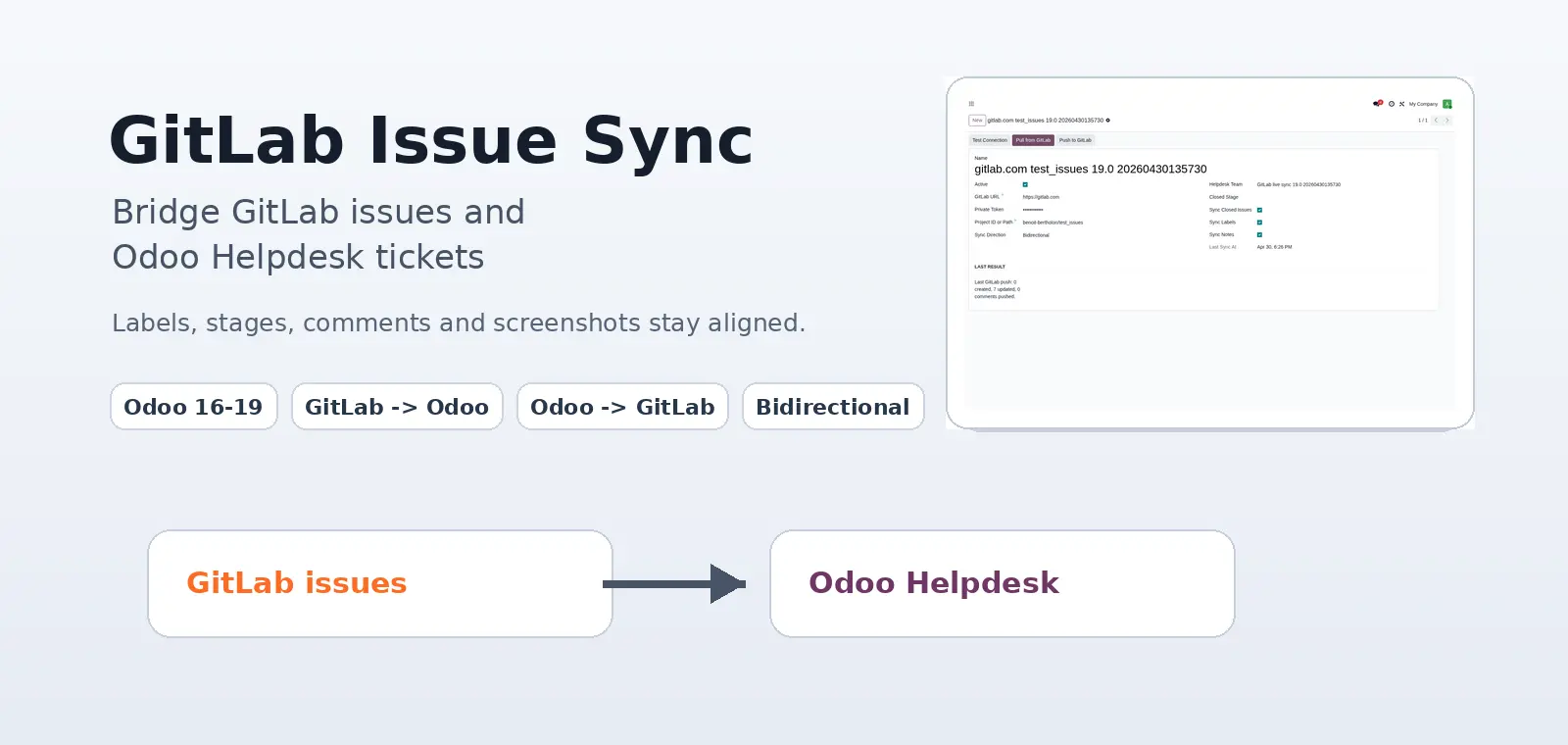
Support teams and development teams often work from different tools. Odoo Helpdesk is a good place to manage customer requests, service levels, priorities and internal follow-up. GitLab issues are where developers naturally track implementation details, labels, technical discussions and delivery state.
The GitLab Issue Sync module connects those two workflows. It links one GitLab project to one Odoo Helpdesk team and keeps the important operational data synchronized between GitLab issues and Odoo tickets.
The goal is not to replace either tool. The goal is to let each team keep using the tool that fits its work, without losing comments, screenshots, labels or issue state on the way.
What the module synchronizes
The connector synchronizes the main objects that matter in daily support and development work:
- GitLab issues and Odoo Helpdesk tickets
- Issue titles and ticket names
- Descriptions
- GitLab labels and Odoo Helpdesk tags
- Helpdesk stages generated from GitLab labels
- Chatter comments and GitLab issue notes
- Images and attachments from descriptions or comments
- Closed GitLab issues and archived Odoo tickets
- Direct links between the Odoo ticket and the GitLab issue
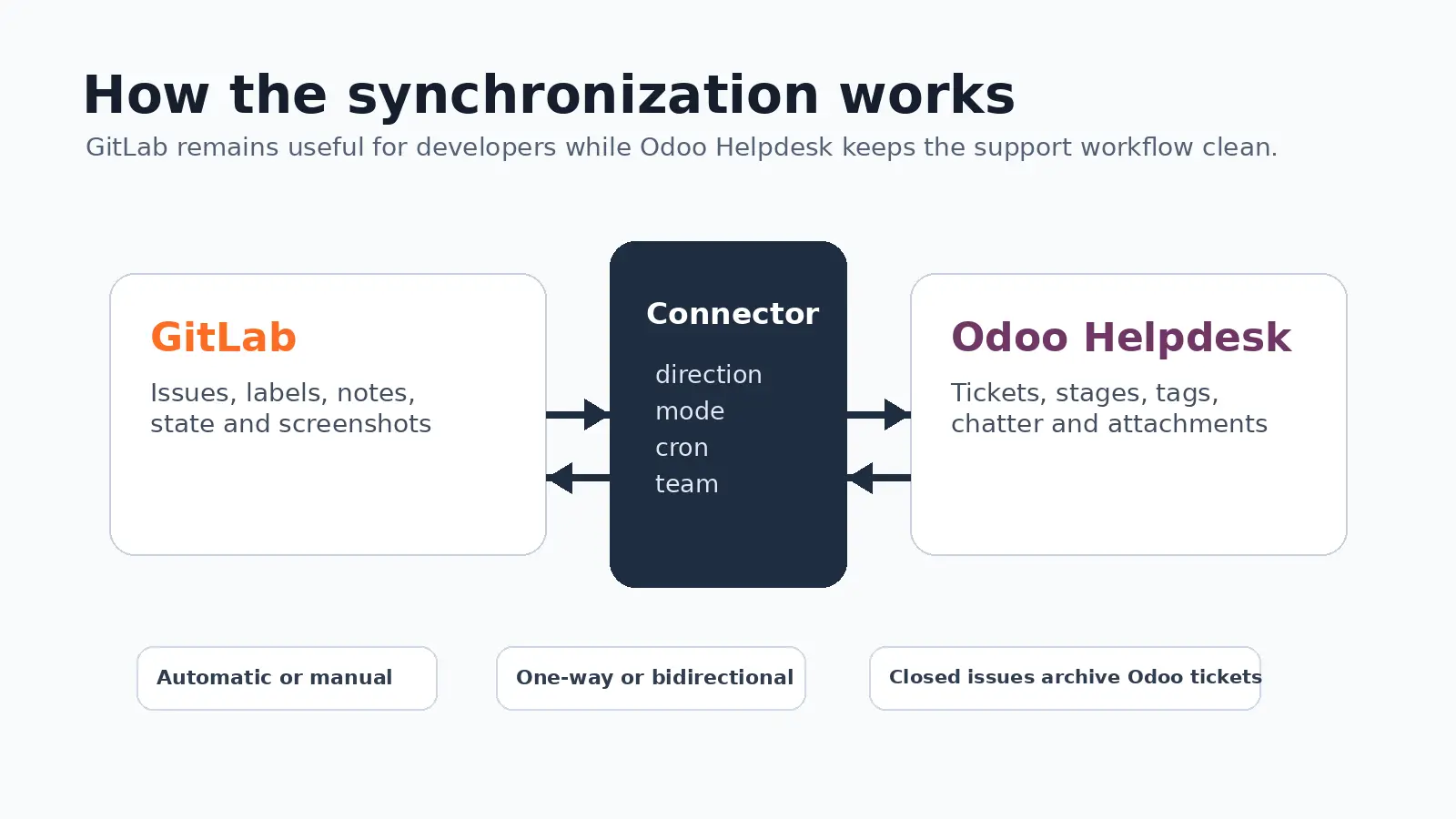
It supports GitLab to Odoo, Odoo to GitLab, and bidirectional synchronization. It also supports automatic synchronization or manual-only synchronization per connector.
Configuration in Odoo
Each connector stores the GitLab URL, token, project and target Helpdesk team. The token is stored on the Odoo connector record and the synchronization is executed by Odoo.
The connector also controls the sync direction, automatic or manual mode, GitLab pull interval, target Helpdesk team, active or archived state, and last synchronization result.
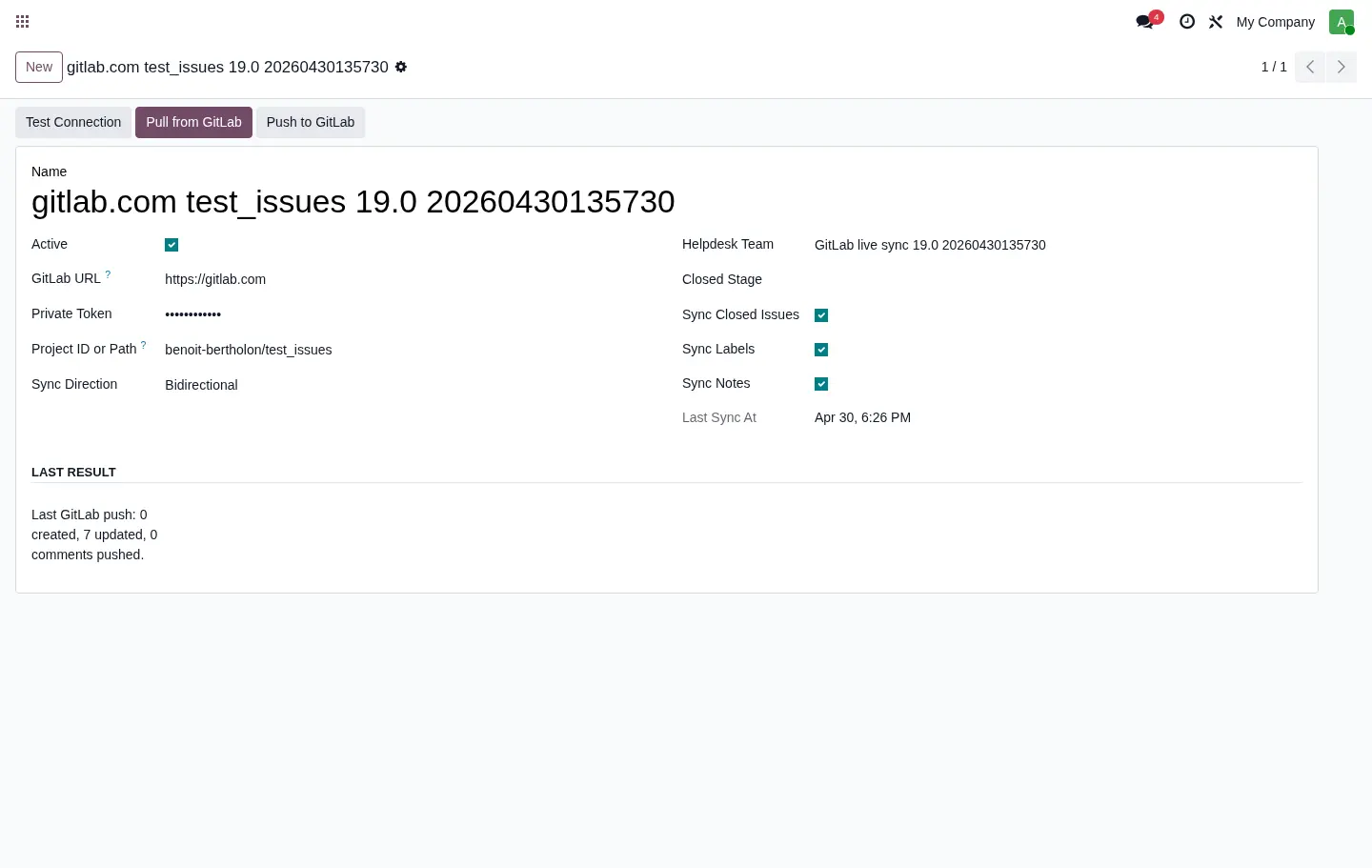
The automatic pull cron uses the interval configured on the connector. By default, the interval is 10 minutes. When the connector is archived, or when it is set to manual mode, automatic sync does not run.
Labels, tags and stages
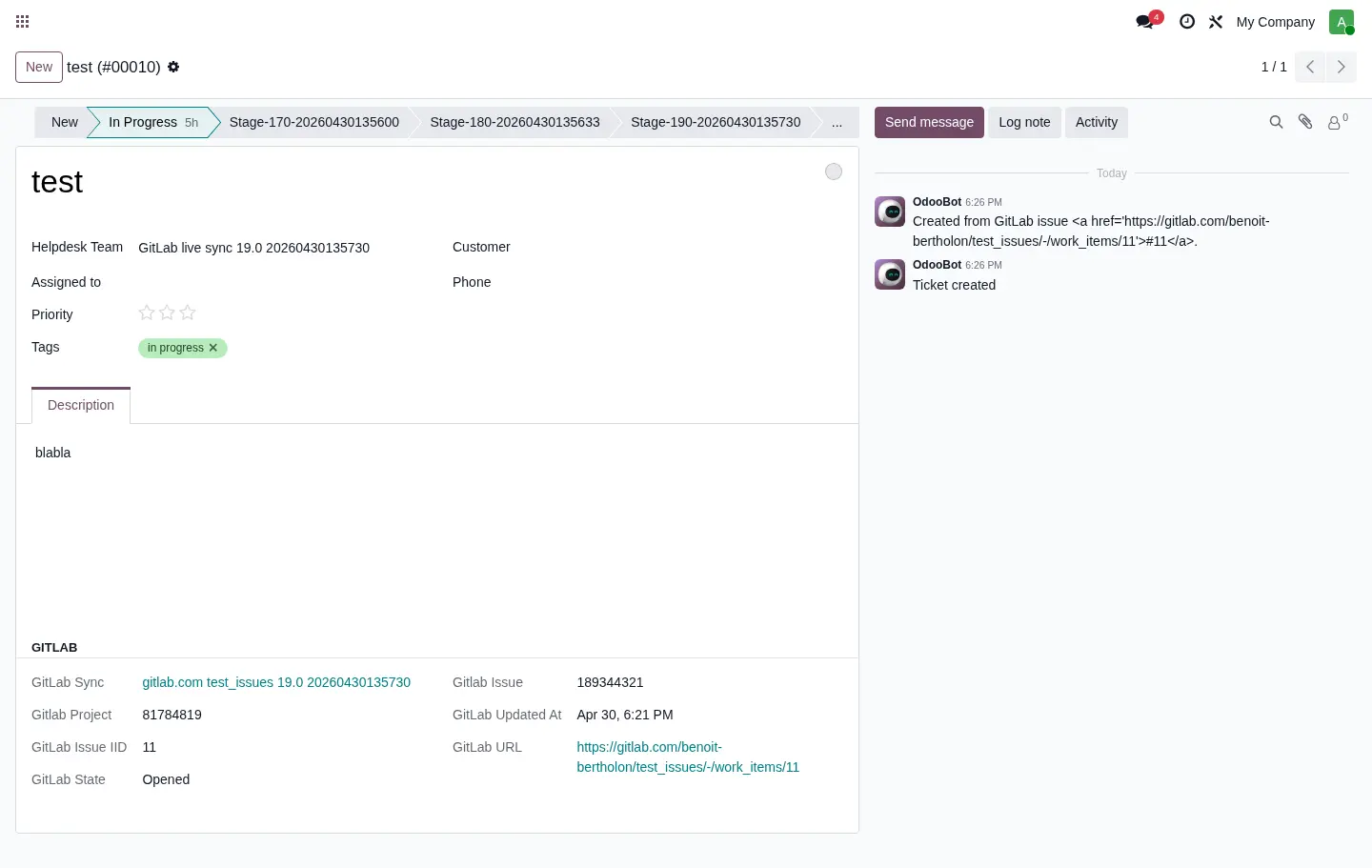
GitLab labels are preserved as Odoo ticket tags. This is important because labels often carry useful technical or product context.
The module can also use the first suitable GitLab label as the Odoo Helpdesk stage. If the stage does not exist for the configured Helpdesk team, it is created automatically. The label is still kept as a tag, so no GitLab information is lost.
There is a safeguard for labels that should not become stages. If an archived stage exists with the same name, the module skips that label and checks the next one.
Comments and images
Comments are synchronized in both directions when the connector direction allows it.
When GitLab comments contain images such as uploaded screenshots, the module downloads them and stores them in Odoo as ir.attachment records. They are displayed in the ticket chatter, so support users do not have to open GitLab only to understand the discussion.
When Odoo comments or descriptions are pushed to GitLab, embedded images are uploaded to GitLab so the issue remains readable for developers.
Closed issues and archived tickets
When a GitLab issue is closed, the corresponding Odoo Helpdesk ticket is archived. This keeps the active Helpdesk views focused on work that is still open, while preserving the ticket history in Odoo.
Archiving the connector itself is also supported. This is useful for staging or copied databases where synchronization should be neutralized. An archived connector does not pull from GitLab and does not push Odoo ticket changes.
Why this matters
The common alternative is manual copying: support creates a Helpdesk ticket, someone creates a GitLab issue, labels are copied by hand, developers comment in GitLab, support comments in Odoo, screenshots end up split between both systems, and the closed state is updated late or not at all.
That works for a few tickets. It does not work well once the same team handles support, bug tracking, implementation work and customer communication every week.
GitLab Issue Sync removes that repeated manual work and makes the connection explicit.
Tested versions
The module is maintained for Odoo 16.0, 17.0, 18.0 and 19.0. The screenshots in this article are from Odoo 19.
The module has been tested with live round-trip synchronization: GitLab issue to Odoo ticket, Odoo ticket to GitLab issue, labels to tags, tag removal from Odoo back to GitLab, descriptions, chatter comments and closed issue handling.
Availability
GitLab Issue Sync is packaged as an Odoo module and prepared for publication on the Odoo Apps store. It is designed for teams that already use Odoo Helpdesk and GitLab and want both sides to stay aligned without manual copy-paste.
For implementation, migration or customization work around Odoo and GitLab workflows, contact dator.lu.